Independent security guidance
Bank of Ireland 24/7 security: check the address before you trust the page
Looking for Bank of Ireland's security advice? Go directly to the bank's Security Zone. If you need to report suspected fraud or a lost card, use its official emergency contacts page. This article is an independent comment on how security services are advertised. It is not a Bank of Ireland page.
If you searched “Bank of Ireland 24/7 security” after hearing the radio ad, the links above take you to the bank itself. I heard the ad ask listeners to use that search phrase. Telling people about round-the-clock fraud help is an excellent idea. Sending them through search results to find it is a poor way to deliver a security message.
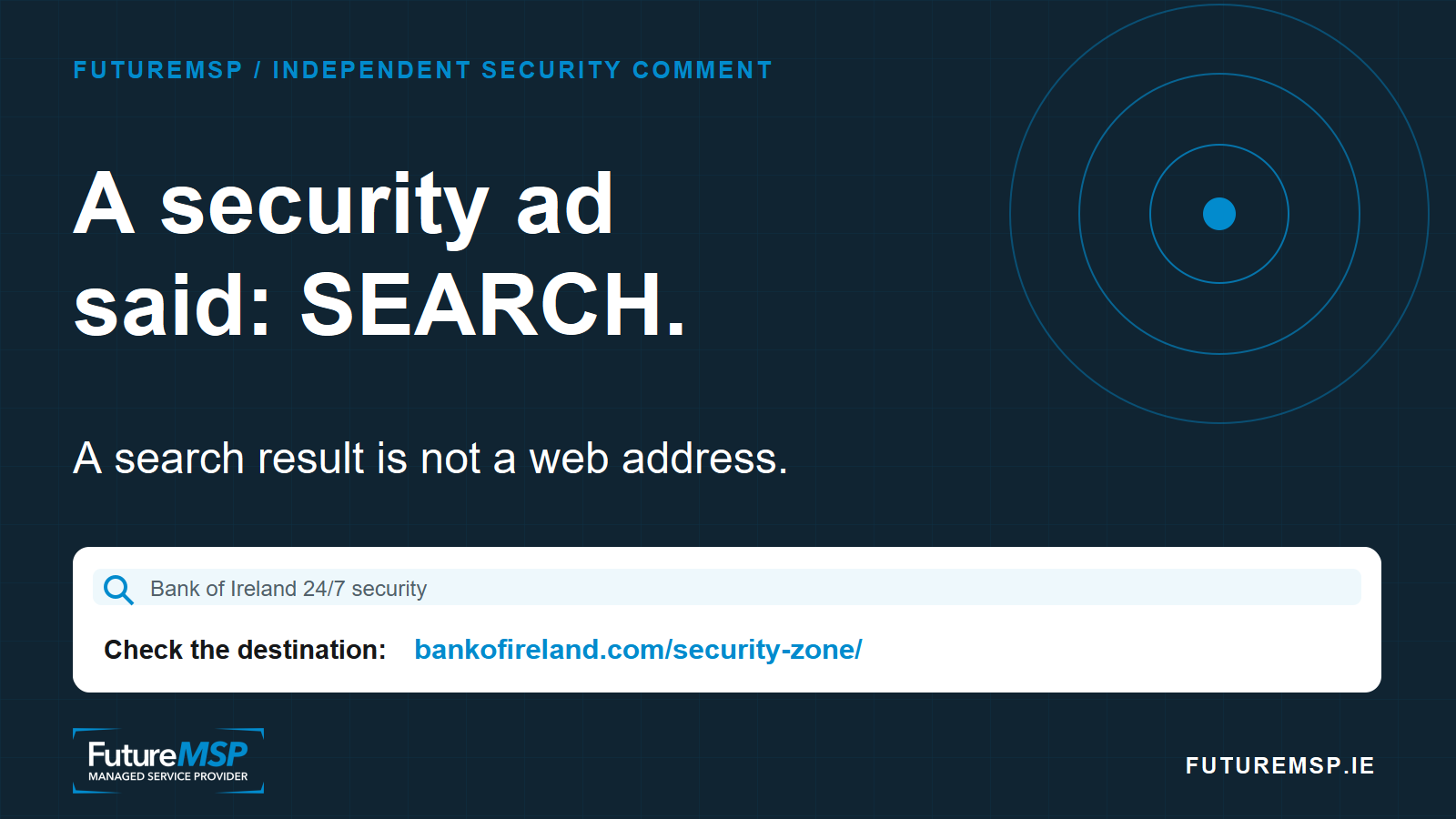
FutureMSP editorial graphic. For the genuine bank resource, use the direct Bank of Ireland Security Zone link above.
A search phrase is not an address. It leaves the last step to a search engine, an ad slot and the reader's judgement at exactly the moment the bank wants that reader to feel safe. This article can use the campaign phrase in its title and compete for that search without controlling Bank of Ireland's website. A bad actor can do the same with a page that copies the bank's colours, logo, wording and layout, then asks a visitor for details. That is phishing, designed to filch information: the familiar page is the bait, while the web address and the person receiving the information have changed.
One person's search is no assurance of what another person will see. Paid results can be targeted by location. A bad actor could show an imitation to a chosen area while a reviewer elsewhere sees the genuine bank page. Unwanted software can also hijack browsing and redirect people. These are possible routes of attack, not a claim that either has happened in this campaign. They make a clean search result on my screen a poor test of the listener's safety.
Bank of Ireland's own gallery of scam examples shows fake messages, adverts and professional-looking websites. In a July 2026 article about fake online ads, the bank argues that certain financial and fraud-related advertising keywords deserve closer checks. The bank recognises the problem. It should not make an open search query the last instruction in an ad about fraud support.
Where is the web address?
It is in the browser's address bar, usually at the top of a desktop window or at the top or bottom of a phone screen. It is not the large headline inside the page, the bank logo, or the title of a search result. In the real screen grab below, look at the very top dark strip, immediately to the right of the small site-controls icon. That is where bankofireland.com/security-zone/ appears. On a phone, tap the address bar if the browser has shortened what it shows.
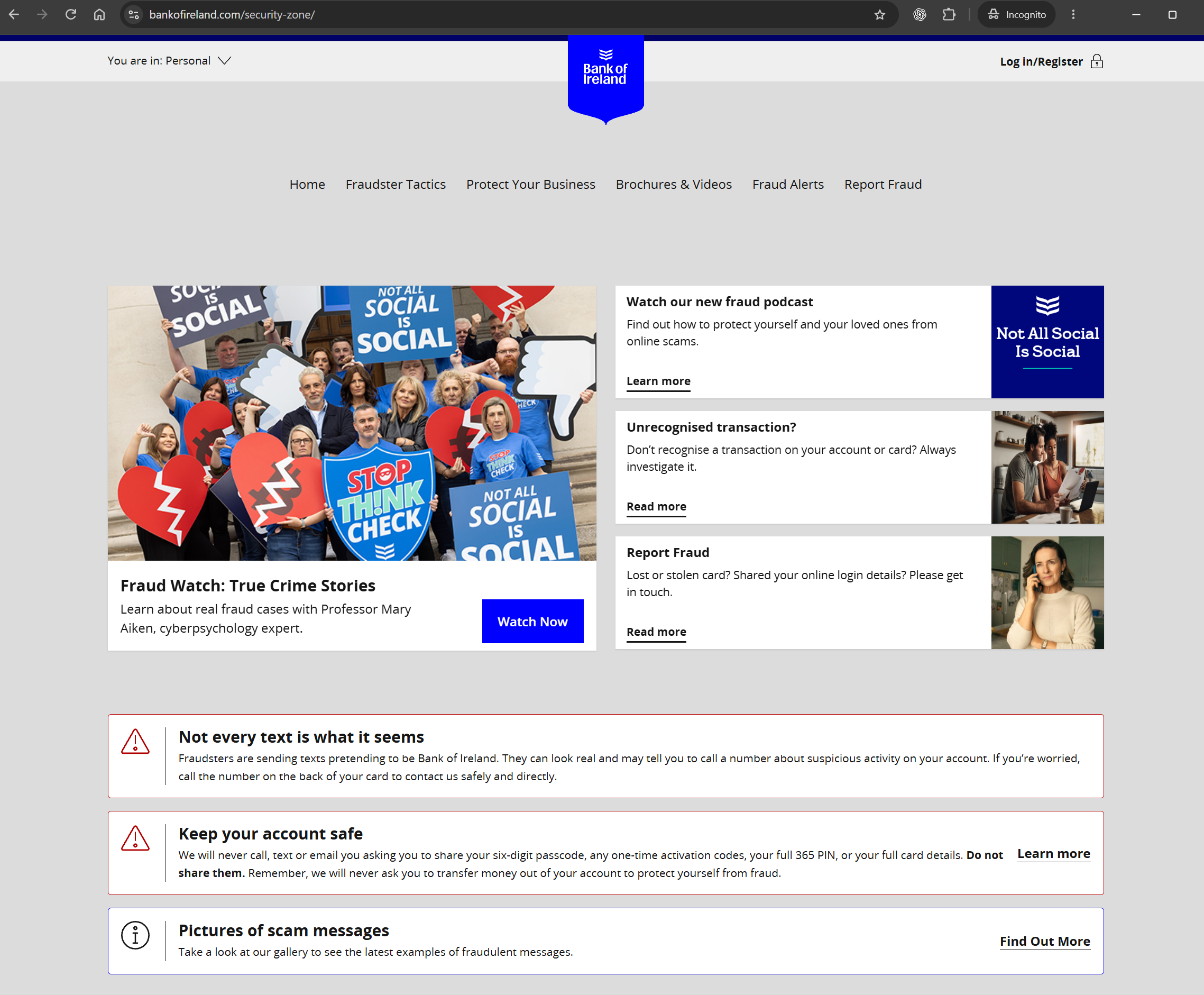
Screen grab supplied by Alex on 15 November 2026. The web address is in the browser chrome at the top, above the bank's logo and page content. Open the official Security Zone directly.
If the full screen grab is small on your device, this enlarged guide points to the same place:
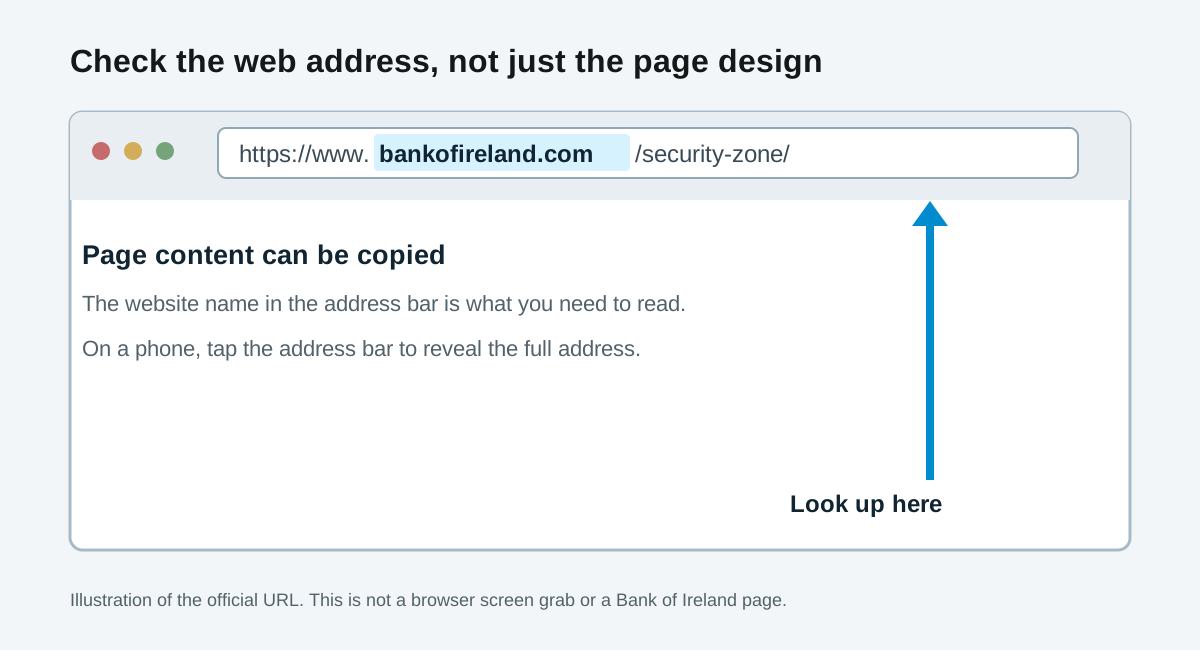
Enlarged address-bar guide based on the official URL. The real page is bankofireland.com/security-zone/.
For this page, read the full address and check that the website name is exactly bankofireland.com before the next /. In https://www.bankofireland.com/security-zone/, security-zone is the page path; it does not prove who owns the site. A copied design, a bank logo and a padlock cannot make a different web address genuine. Bank of Ireland itself warns that fake websites can use https. If the address is hard to see, looks wrong, or the device itself may be compromised, stop there. Use a device you trust or the number on the back of your bank card. Do not enter a PIN, passcode or one-time code into a page you reached through an uncertain result.
The same failure can affect financial product advertising. A person looking for a current account, loan or investment may have to distinguish a genuine product page from a paid result, a comparison site and a convincing imitation. A campaign that says “search for us” hands part of that journey to whoever can get in front of the searcher. It is a particularly poor handoff when the next page might ask for personal or banking information.
A better radio instruction would give people a short path on the bank's established domain, spoken clearly and repeated in the accompanying visual ads. Something like bankofireland.com/247 could be tested for how listeners type and remember it, then directed to the bank's actual help page. The exact path is a design example, not a claim that this URL exists. The spoken instruction should name the full domain. For an urgent fraud concern, reminding customers to use the number already printed on their card may be more useful still.
Then test the route the way a customer encounters it: hear the ad once, put down the phone, try to reach help, and see where the mistakes lead. Check the search phrase across locations, devices, paid placements and common mishearings. Keep checking while the campaign runs. I have asked people to look at the URL and been met with “Where is that?” often enough to know that a security ad cannot assume everyone knows what an address bar is.
The 24/7 fraud support itself is real. Bank of Ireland lists its Republic of Ireland emergency line as 1800 946 764, available 24 hours a day, seven days a week, on its official contacts page. I keep hearing search instructions in these ads. Bank of Ireland should replace this one with a direct address and the card-back number while the campaign is still running.