Independent security guidance
Phishing from someone you know: ten traps and a simple A-B-C check
For years I hovered over links in emails before I clicked. I wanted to see the address behind the button. I still check it, but a preview answers only one question: where does this link appear to go? It cannot tell me whether the person who sent it still controls their email account, or what a page might do after it opens.
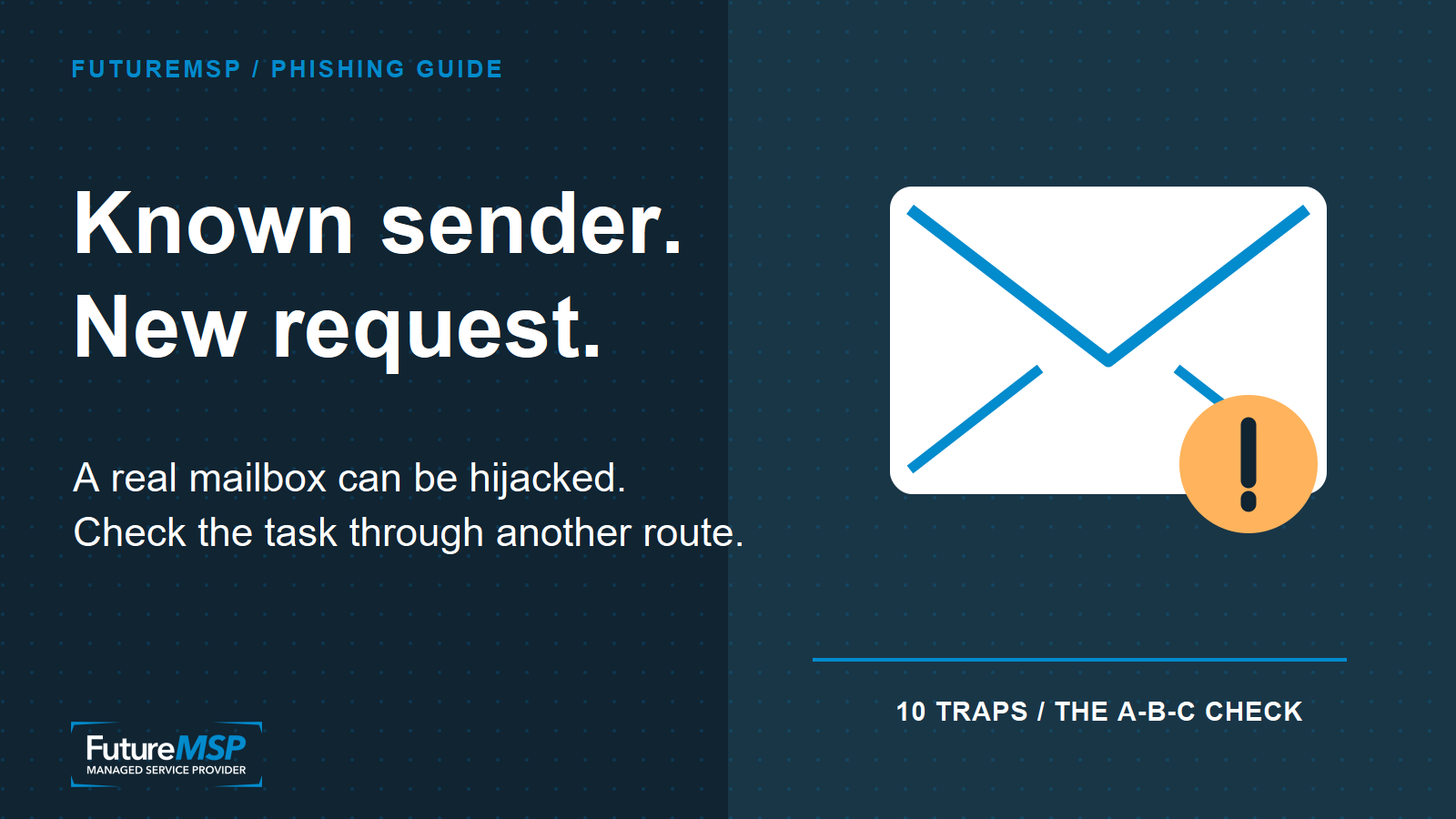
That matters when the message comes from a genuine contact. A bad actor who gets into a real mailbox may be able to send from the real address and continue an existing conversation. Ireland's National Cyber Security Centre guidance on business email compromise describes compromised accounts as one route into these attacks. The old comfort of “I know the sender” is gone. So is the idea that a tidy signature, familiar logo or perfect spelling settles it.
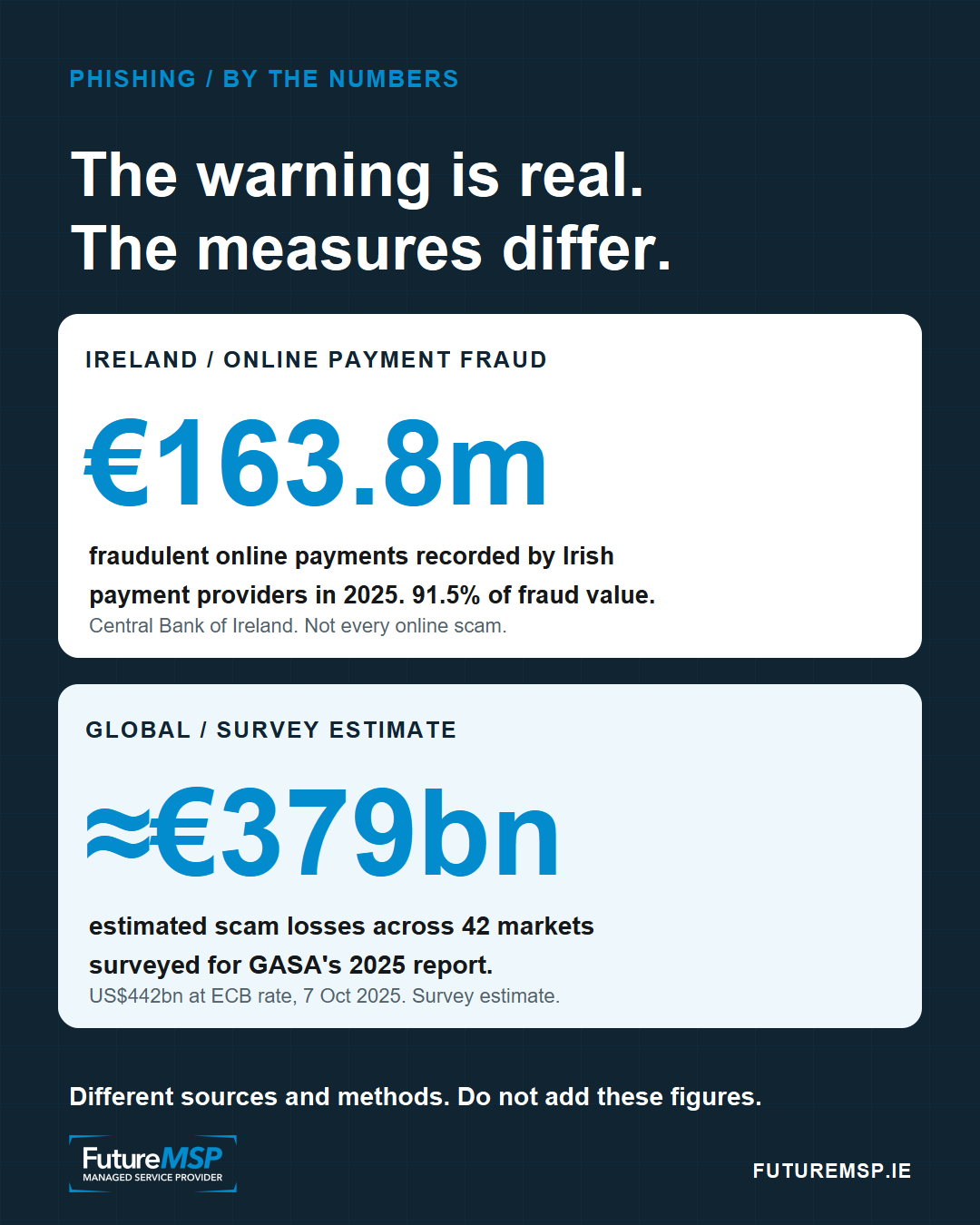
The scale is worth seeing with the limits left intact. The Central Bank of Ireland recorded €163.8m in fraudulent online payments through Irish resident payment providers in 2025, 91.5% of all fraudulent payment value they recorded. That is a broad payment-fraud measure, not a total for every online scam or the final loss borne by victims. For a wider view, GASA's 2025 study estimated US$442bn in scam losses across 42 surveyed markets, about €379bn using the 7 October 2025 euro reference rate. It is a survey estimate, not recorded payment-fraud data. These figures cannot be added together.
Ten common pitfalls
-
Trusting the display name. “Mary in Accounts” can be typed into a fake sender field. Open the sender details, but remember that even the correct address may belong to a compromised account.
-
Trusting an existing email thread. A reply inside a conversation you recognise may look more credible than a fresh message. Treat a new link, document or payment instruction in that thread as a new request.
-
Treating a hover preview as a verdict. Hovering is worth doing on a desktop. It can expose an obvious mismatch. It cannot prove that a familiar-looking link is safe, and a redirect through a trusted domain can conceal the eventual destination. On a phone, the destination may be harder to inspect.
-
Reading the button instead of the address. “View secure document” is text chosen by the sender. Before entering any details, inspect the website name in the browser's address bar. A logo inside the page is easier to copy than the genuine domain.
-
Assuming a padlock means the business is real. An encrypted connection can protect the journey to the wrong site. The padlock does not tell you who asked for your details. Bank of Ireland warns that fake websites can use
https. -
Signing in because a document asks you to. An unexpected invoice, shared file or “session expired” page can be a route to a copied sign-in screen. Open the service from a bookmark or a known address instead, then find the document there.
-
Approving a code or login prompt you did not start. A password alone may not be the end of the attempt. A fake page can ask for a one-time code, or an attacker may trigger an approval prompt. CISA explains why some MFA methods remain vulnerable to phishing. Never approve a sign-in you did not initiate.
-
Opening an attachment to see whether it is genuine. A familiar contact can still send an unexpected file after an account takeover. Do not enable macros, install a viewer or lower a security setting because the attachment says so. Microsoft lists these requests among phishing warning signs.
-
Letting urgency make the decision. “I am in a meeting, do this now” is a reason to slow down, especially when the message asks for money, credentials or secrecy. A real deadline can be checked through a separate route.
-
Changing payment details from an email. A supplier's genuine-looking message is not authority to replace their bank account number. FraudSMART advises calling a known contact number, not the number in the message, before making that change.
None of these signs proves an individual message is a scam. The point is to stop using appearance as proof. A bad actor may have the right name, the right conversation and details that only your contact would normally know.
The A-B-C check
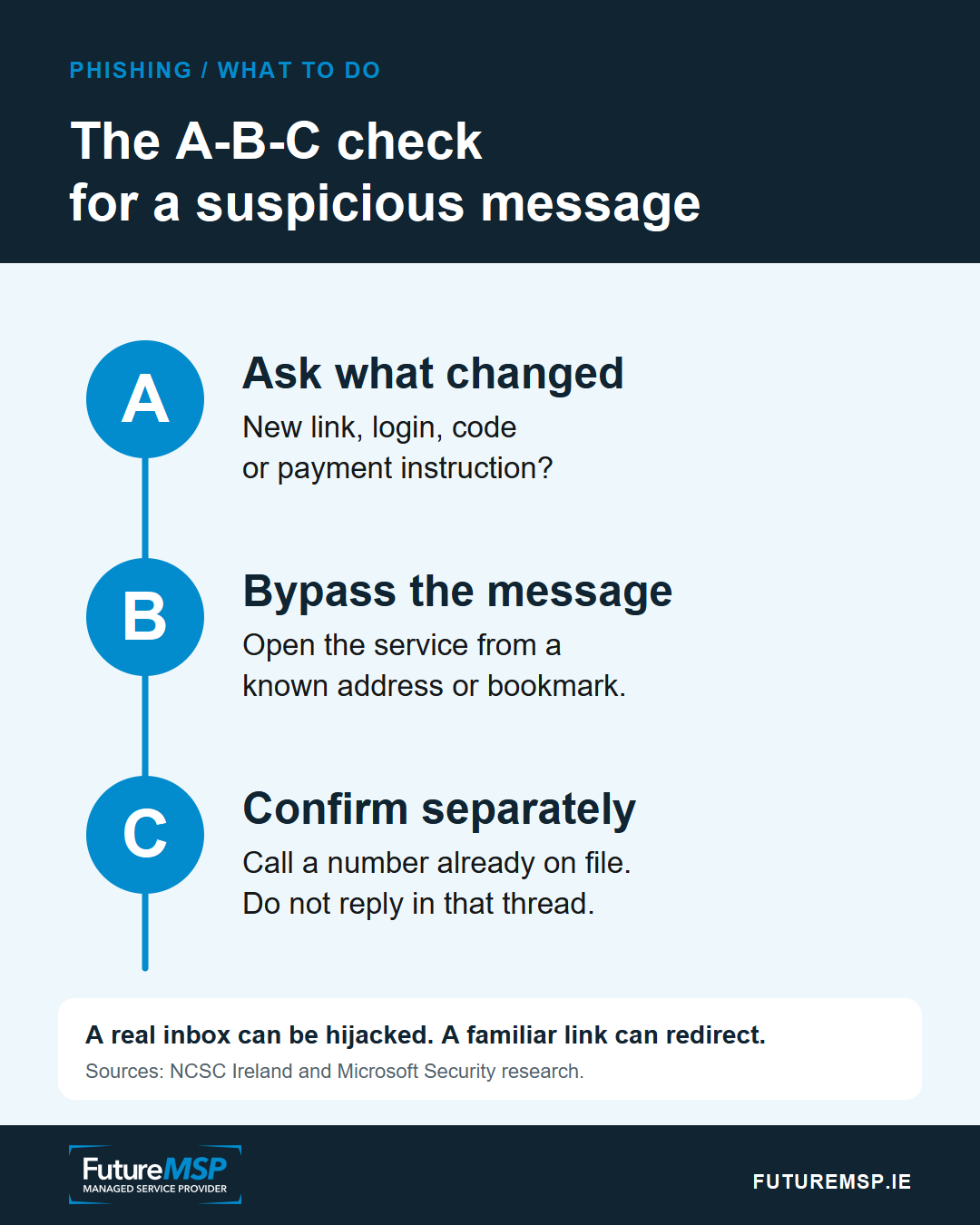
A: Ask what the message wants you to do. Is it asking you to sign in, disclose a code, open a file, change bank details or bypass the normal process? If you were not expecting it, pause. Do not use the message's link or phone number to settle the question.
B: Bypass the message. Open the service from your own saved bookmark or type an address you already know. Check the full website address before entering anything. For a document, see whether it is waiting in the service you normally use. If you suspect your browser or computer is compromised, use another trusted device.
C: Confirm with the person by a separate route. Phone a number you already have or use another trusted channel. Do not just reply to the same email thread: the bad actor may be reading it. For a change to payment details, follow the business's established approval process as well as making the call. The NCSC's advice to small businesses also recommends checking with the person or business separately.
If you have already entered a password or code, report it promptly through your organisation's known IT or security route, or contact the affected service or bank through its official channel. Change the password from a trusted device and check account activity with the provider. A quick report can give the people responsible a chance to secure the account and warn anyone else who received the message.